

FaPortal Contractor portal
Registration, safety briefing, badge and attendance of external personnel in one process.
- Safety briefing and knowledge test in six languages
- Site badge with photo, optionally with a Mifare card
- Sign-in and sign-out with an attendance overview
How FaPortal works
From the terminal to the attendance list
FaPortal guides contractors through access to your site at a terminal: registration, safety briefing, badge and attendance. Scroll through the steps.
Registration
Self-registration in their own language
At the terminal, contractors choose one of six languages. They enter their name, nationality, company and phone number and give privacy consent. Duplicate entries are detected.
Briefing and quiz
Brief on safety and check understanding
The safety briefing is shown page by page in the chosen language. It is followed by randomly selected questions, all of which must be answered correctly. You decide how long it remains valid.
Badge
A personal badge, printed on site
Once the quiz is passed, a photo is taken. A badge with name, company, ID and your logo is then printed. A Mifare card can also be linked if required.
Attendance
Daily sign-in, attendance at a glance
Returning contractors sign in and out with their ID or card. Duplicate bookings are not possible. Reception and the gatehouse can see who is currently on site.
What FaPortal handles on site
Less manual work, clear processes and a better overview, from reception to sign-out.
Digital safety briefing
Content on the terminal, page by page. Only when all check questions are answered correctly can the person continue.
In six languages
German, English, Bosnian, Hungarian, Polish and Turkish, including images and quiz questions.
Badge on site
Personalised site badge with name, company, ID and photo. Without a camera, a placeholder image is used.
Attendance at a glance
Who is on site right now? Authorised users also see arrival and departure times and length of stay.
Quick sign-in and sign-out
By ID or card. Duplicate bookings are ruled out, and expired safety briefings are repeated.
Manage content centrally
Briefing pages, quiz questions, site notices, company templates and work permit validity.
Manage external personnel safely and traceably
When contractors enter a site, many steps have to work together. FaPortal guides external personnel through registration, safety briefing and knowledge check in their own language, and takes the load off reception and the gatehouse.
- Explicit consent to data processing at registration
- Separate logins for administration and the card menu
- Camera, printer and card reader can be connected
- For industry, construction, logistics, maintenance and project sites
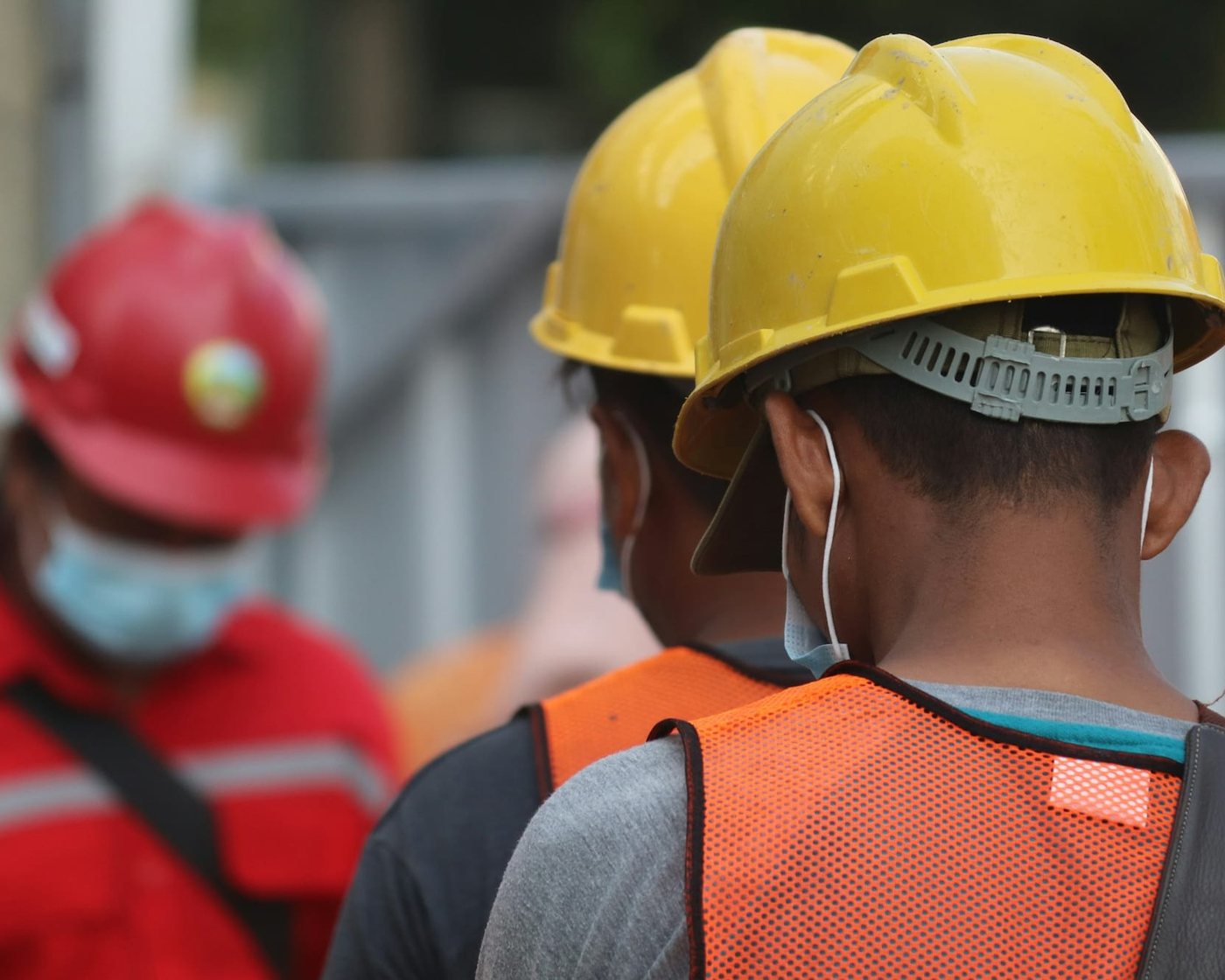
From reception to sign-out
This is how external personnel go through site access.
Capture data
Register the person and company, and document consent.
Brief
Complete the safety briefing in the chosen language.
Check knowledge
Answer randomly selected check questions, all of them correctly.
Create the badge
Take a photo and generate the personal site badge.
Link a card
Optionally link a Mifare card to the person's ID.
Check in and out
Record start of work, breaks and end of work by ID or card.
Transparency for every role on site
External personnel
A guided, multilingual process from registration to badge.
Reception and gatehouse
Less manual data entry and a quick overview of who is present.
Safety managers
Centrally maintained safety briefings, knowledge checks and validity control.
Administration
Personal master data, companies, notices and arrival and departure times in one place.
Site management
A traceable record of which external personnel are currently on site.
Frequently asked questions about FaPortal
View all questions Opens the page with all answers to frequently asked questionsWhich devices can be connected to FaPortal?
Camera, printer and supported card readers can be integrated into the process. The Mifare card is optional. Without a camera, there is a process with a placeholder image.
What happens when a safety briefing has expired?
At the next login, FaPortal automatically requests a repeat of the safety briefing. You define how long a safety briefing remains valid by setting an interval.
In which languages is the safety briefing in FaPortal available?
In six languages: German, English, Bosnian, Hungarian, Polish and Turkish. The knowledge test also runs in the selected language.
Ready for clear digital site access?
Talk to us about your requirements and how FaPortal can be used at your site.