

DeliTrack Delivery, storage and quality tracking
Delivery, warehouse, laboratory, approval and output in one central web application.
- Deliveries, collections and individual items linked
- Storage locations, bays and tanks with movement log
- Laboratory values and approvals directly on the transaction
How DeliTrack works
From delivery to goods out
DeliTrack follows material from arrival through storage bays and the CP plant to dispatch. Scroll through the key steps.
Delivery
Record every delivery in full
Customer, site, waste type, quantity and storage bay belong to one record. A QR code gives you quick access later on.
Storage bays and tanks
Fill levels always in view
Each storage bay shows its fill level in per cent and cubic metres. Every filling and emptying is logged with quantity, source and timestamp.
CP plant
Batches with clear approvals
A batch passes through treatment, laboratory, storage and output. The laboratory approves or rejects it. The output needs at least two approvals.
Goods out
Link goods out, print documents
The approved batch is linked to a goods-out record. Transport notes, incoming analyses and QR codes are ready in the print centre, lists also as an Excel export.
What DeliTrack does
Dispatch, warehouse, laboratory and management work in one continuous process with the same current data.
Track deliveries
Deliveries, collections and individual items with customer, construction site, waste type, UN number, container and weight.
Stock movements
Storage locations, bays and tanks. Fillings and emptyings with quantity, source and timestamp.
Quality within the process
Laboratory values with limit values directly at inputs and outputs, material checks with photo and signature.
Controlled approvals
The CP plant workflow guides batches through processing, laboratory, storage and output until it leaves the warehouse.
Documents at the push of a button
QR codes, incoming analysis, transport document, print centre and Excel export for everyday operations.
Roles and master data
Administration, management, dispatch and read-only access; maintain master data and laboratory parameters centrally.
Individual steps become a traceable process
Instead of scattered lists and manual tracking, you get a shared, current view of material, containers, storage locations, quality data and outputs.
- One data basis for input, warehouse, laboratory and output
- Fewer system breaks and less duplicate data entry
- Quick access via QR codes
- Histories showing who made each change
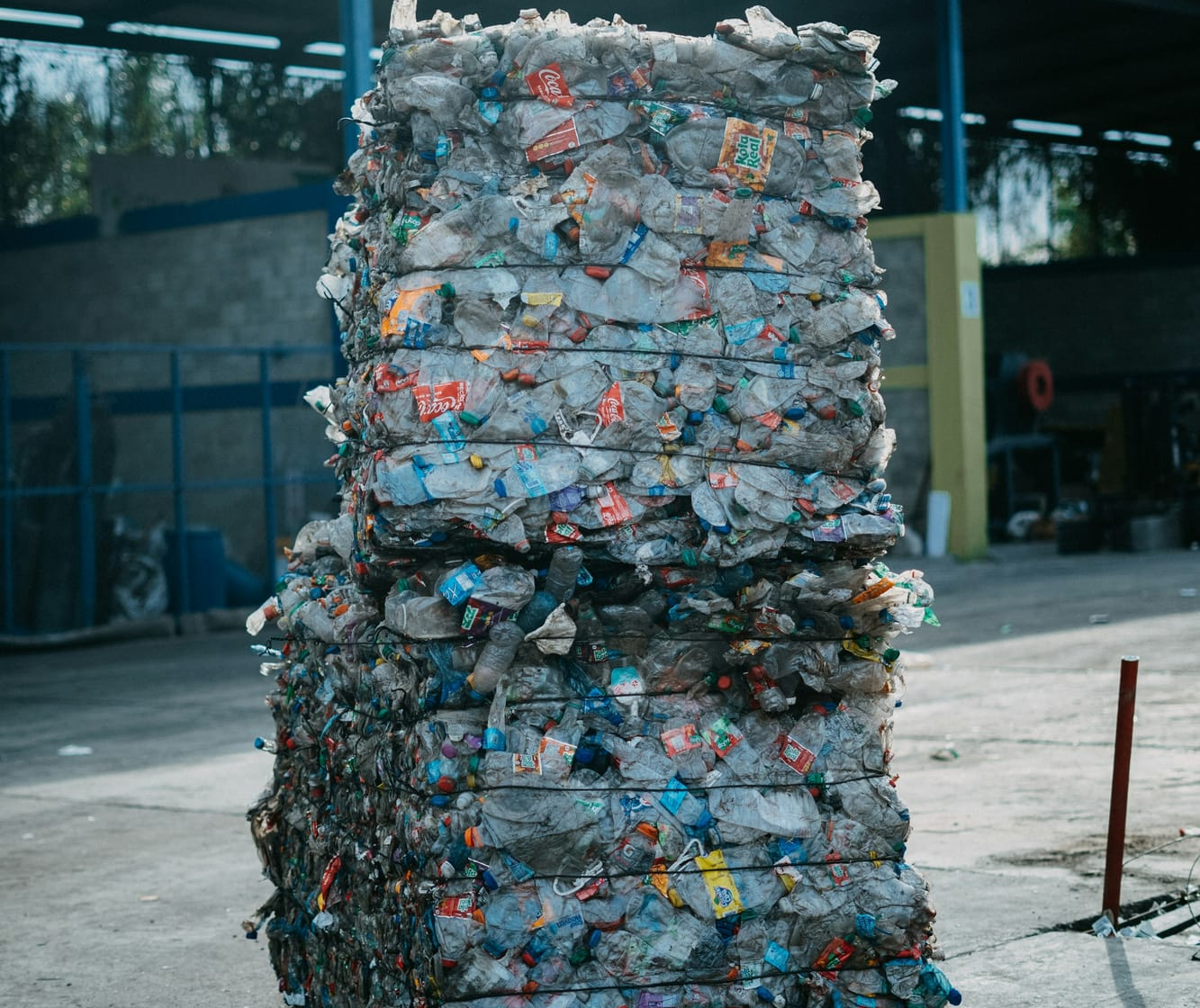
From input to output
How goods and waste flows move through DeliTrack.
Record input
Create a delivery or collection with individual items, containers, weights and documents.
Store
Assign a storage location, bay or tank, log quantity and time.
Inspect
Link laboratory values and material checks directly to the transaction.
Approve
Make the laboratory and output decision in the CP workflow.
Document output
Use the transport document, print centre and Excel export for records and reconciliation.
For material, disposal and delivery processes
Wherever several parties rely on the same current information.
Dispatch
Record and link deliveries, collections and individual items in a structured way.
Warehouse and quality assurance
Log stock movements, assign laboratory values and document material checks.
Management and administration
Decide on approvals, maintain master data and use analyses.
Frequently asked questions about DeliTrack
View all questions Opens the page with all answers to frequently asked questionsWhich documents and outputs does DeliTrack create?
QR codes, incoming analysis, transport document, print centre and Excel export. Filterable lists and histories make research, records and coordination easier.
Who is DeliTrack for?
For companies that need to document material, disposal or delivery processes involving several parties. Especially where dispatch, warehouse, quality assurance and management need the same up-to-date information.
Make delivery, storage and approval processes transparent
Talk to us about your processes and the right configuration of DeliTrack.