

BraBu Digital fire safety logbook
Organise fire safety, document inspections and keep track of open tasks.
- Inventory and defects with imminent danger flag
- Inspection rounds and external inspections with countersignature
- Hot work with permit and follow-up check
How BraBu works
From inspection round to report
BraBu guides you through everyday fire safety: overview, inspection round, defect, hot work. Scroll through the key steps.
Overview
Everything important at a glance
The home page shows hot work in progress, follow-up checks due, open defects and upcoming inspections with the person responsible.
Inspection round
Complete inspection rounds in a structured way
Organised by area and inventory category: extinguishers, emergency lights, fire doors. Each item is checked and ticked off.
Defect
Report defects, highlight danger
A defect is recorded with the item, area and reporter. Imminent danger is visible at once, and the fix is documented.
Hot work and report
Approve hot work, close the month
Hot work permits are created from templates, with fire watch and follow-up check. Monthly reports summarise inspections, defects and events.
One solution for your core fire safety processes
The key processes sit in one place, instead of separate lists, folders and forms.
Inventory and defects
Inventory by site, area and category. Record defects in the inventory and flag them as imminent danger.
Inspection rounds and inspections
Prepare and complete internal inspection rounds, record external inspections with the inspection company and report.
Hot work
From the permit with protective measures and extinguishing agents to the confirmed follow-up check.
Fire alarm system and inspection log
Master data, responsible persons and events with detector, location, cause and alarm counter.
Events and tasks
Document drills, safety briefings and assessments, assign tasks and rotate them within the team.
Documents and reports
Store fire safety plans and records centrally, export monthly and period reports as PDF.
A clearer overview of fire safety on site
Open defects, upcoming inspections, ongoing hot work and follow-up checks need attention. BraBu shows the responsible people on their start page what to do next.
- Deviations found on inspection rounds go straight to the defect list
- Templates for recurring hot work
- Calendar with monthly, weekly and daily views
- Monthly and period reports as PDF
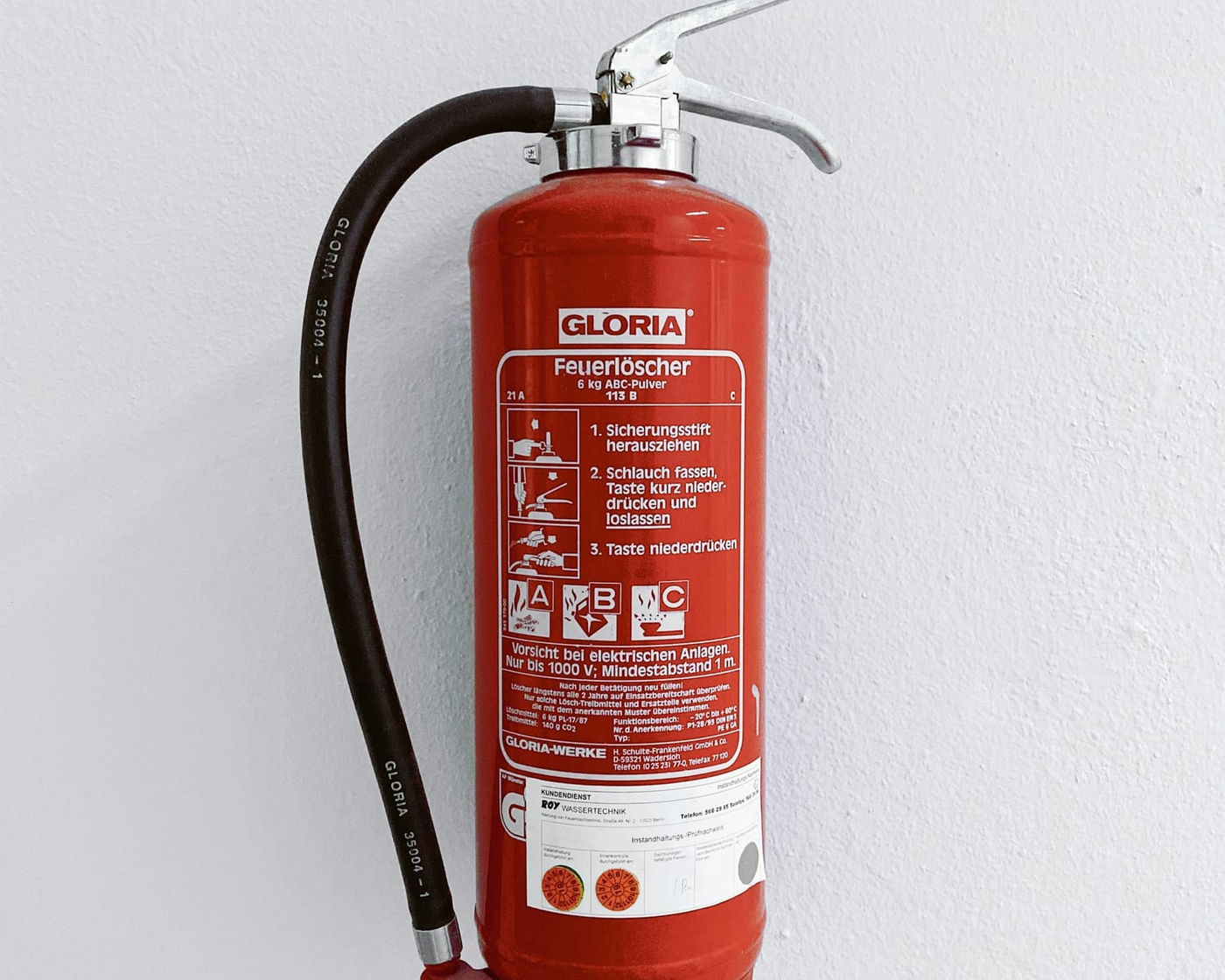
From inventory to inspection record
The process in BraBu.
Plan
Prepare inventory, areas, intervals, dates and responsibilities.
Manage inventory
Keep equipment up to date with inspection deadlines and status.
Inspect
Record results from inspection rounds, external checks and approvals directly.
Resolve
Assign and track defects, tasks and follow-up checks.
Prove
Documents, signatures and reports make the process traceable.
Separate profiles, clear responsibilities
A shared working basis, from a single site to multiple properties and areas.
Fire safety officers and deputies
Review and countersign inspection rounds, keep track of open defects and ongoing hot work.
Fire safety wardens and maintenance
Carry out inspection rounds, resolve defects and document assigned measures.
Administration
Manage properties, areas, categories, document folders and profiles.
Frequently asked questions about BraBu
View all questions Opens the page with all answers to frequently asked questionsWhich reports does BraBu provide?
Monthly and period reports summarise inspections, inspection rounds, defects, events, hot work, control log entries and documents. They can be printed or saved as PDF.
How do defects from inspection rounds get into the defect list?
BraBu automatically transfers deviations from inspection rounds and external inspections to the central defect list. There they are assigned and documented until they are resolved.
How does BraBu handle hot work?
As a permit with protective measures, extinguishing agents, signatures and defined follow-up checks. You see ongoing hot work and open follow-up checks in the central task overview.
Keep your fire safety logbook digitally with BraBu
Get in touch. We will show you how BraBu supports your fire safety organisation on site.